
A momentum strategy built around sudden shifts in price.
M-Trader reads price action for the shift, then manages the entry, stop and target from the loaded template.
NinjaTrader 8 · One position at a time · No trial
 We usually reply within a few minutes
Contact
team@mascapital.uk
BLACK FRIDAY SALE
Extra discount on top of the sale price you already see. Use the code at checkout.
Copy the code and apply it at checkout.
Same strategy. Different terms.
- Renews monthly
- Cancel anytime
- Unlimited Machine ID changes
- Support and remote assistance
- Updates
- Renews yearly
- Cancel anytime
- Unlimited Machine ID changes
- Support and remote assistance
- Updates
- One payment
- No renewal
- Unlimited Machine ID changes
- Support and remote assistance
- Updates
- New feature requests
- Renews weekly
- Cancel anytime
- Unlimited Machine ID changes
- Support and remote assistance
- Updates
- Renews quarterly
- Cancel anytime
- Unlimited Machine ID changes
- Support and remote assistance
- Updates
- Renews every six months
- Cancel anytime
- Unlimited Machine ID changes
- Support and remote assistance
- Updates
Prices in USD. No trial. Every plan includes the strategy, pre-made template sets. Just load the template and enable the strategy.
A strategy, not a project.
The template carries the rules
Entry, stop, target and risk limits are already set.
The momentum shift is the trigger
The strategy looks for the sudden move, not every candle.
Size follows the stop
A wider stop means fewer contracts, capped at your maximum.
Log every trade
The CSV log records every closed trade with net P/L.
Four steps to a running strategy.
Add the strategy
Import it into NinjaTrader 8 and add it to the instrument.
Load a template set
Pick the set for the instrument and session you trade.
Choose the account
Select the account it may trade.
Enable it
Turn it on and watch the first session before scaling.
What the set already fixes.
You load it, then adjust only what your instrument needs.
- Setup
- Defined by the template
- Entry
- When the setup confirms
- Stop and target
- Set in the template
- Size
- Tiered by stop width
- Risk caps
- Account P&L limit
- Log
- One CSV line per closed trade
Sets are NinjaTrader chart templates. The strategy does not load them for you.
Set it up and test it.

M Trader and Reversal Strategy trade limits update for NinjaTrader 8
M Trader and Reversal Strategy now use trade-count daily limits instead of the older PnL-based system. The update… Read guide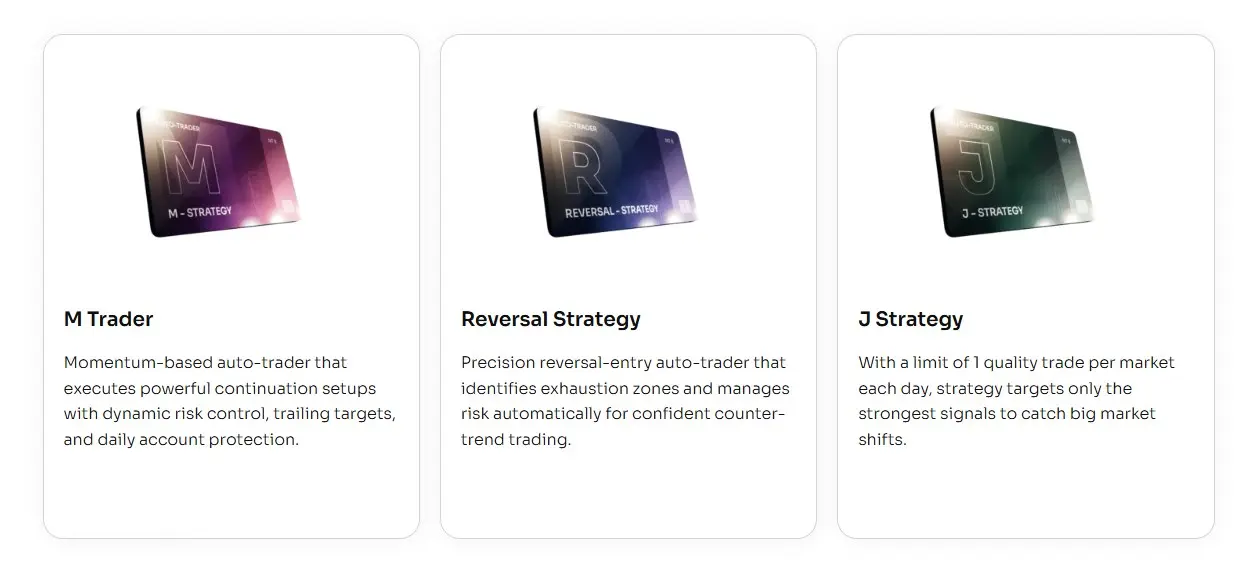
Update: Faster & Safer Auto-Trading in NinjaTrader 8
December 2025 update improves MASCapital auto-traders with faster stop handling, safer order protection, and smarter session-close logic. Read guide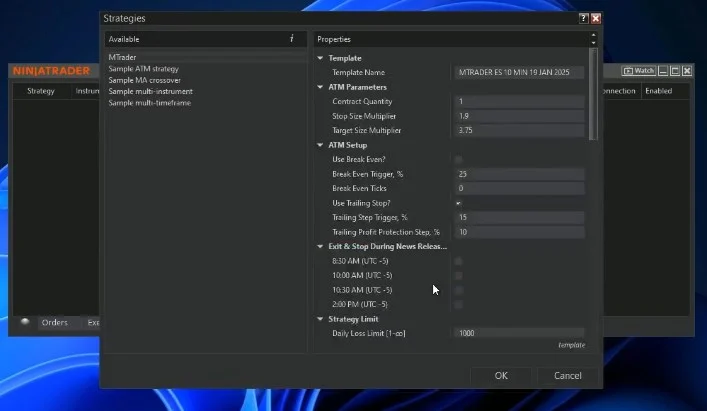
M Trader for NinjaTrader 8 — Automated Strategy Setup & Guide
Learn how to install, set up, and test the M Trader automated strategy in NinjaTrader 8. Includes SIM… Read guideNeed a hand with the settings?
Tell us the instrument and session you trade. We will check the set with you.
Before you start it.
Which platform does it run on?
NinjaTrader 8.
What does it look for?
It follows the setup in the loaded template.
When does it enter?
While flat, when the template's setup confirms.
How is size decided?
From the stop width. A wider stop means fewer contracts.
What stops it trading?
The pre-close halt, the news windows, and the account P&L limit.
Are the news windows on by default?
No. All four are off until you enable them.
What does it not do?
It does not supply data, a broker account or a profit guarantee.
Does the log work in backtest?
No. It records realtime trades only.
Can I cancel my subscription?
Yes. Cancel from My Account → Subscriptions. The plan stops renewing.
Can I move the license to another machine?
Yes. License transfers are included.