Mr John Goring
Verified owner
Very very handy.
Free NinjaTrader 8 indicator bundle
Lifetime free
8,000+ downloads
No credit card
NinjaTrader 8
Free Indicators Pack
Lifetime Free
No subscription. No payment step. Finish the download process and get the files.
This is not a signal system. It is a set of focused helpers you can turn on when they fit the chart.
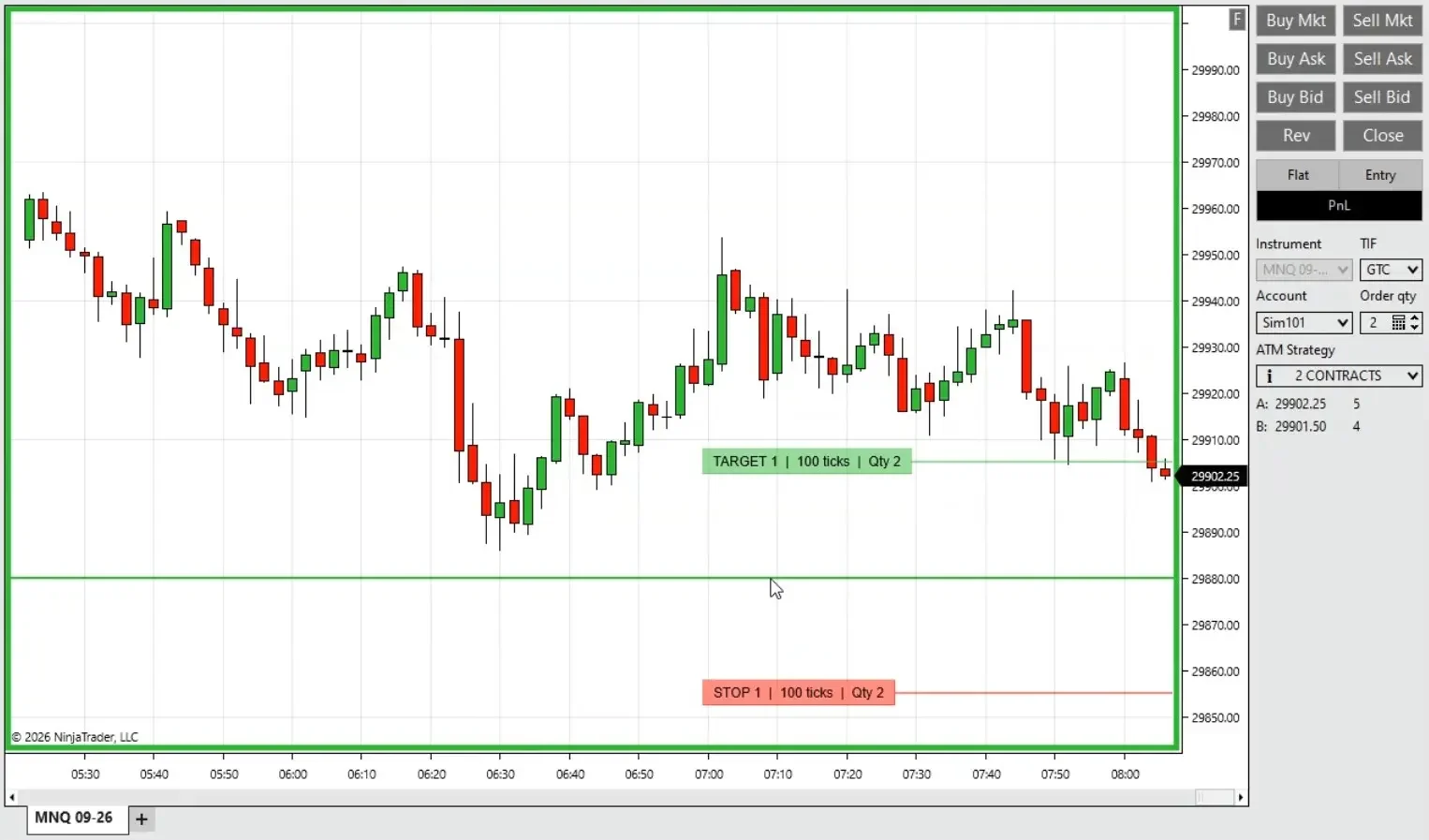
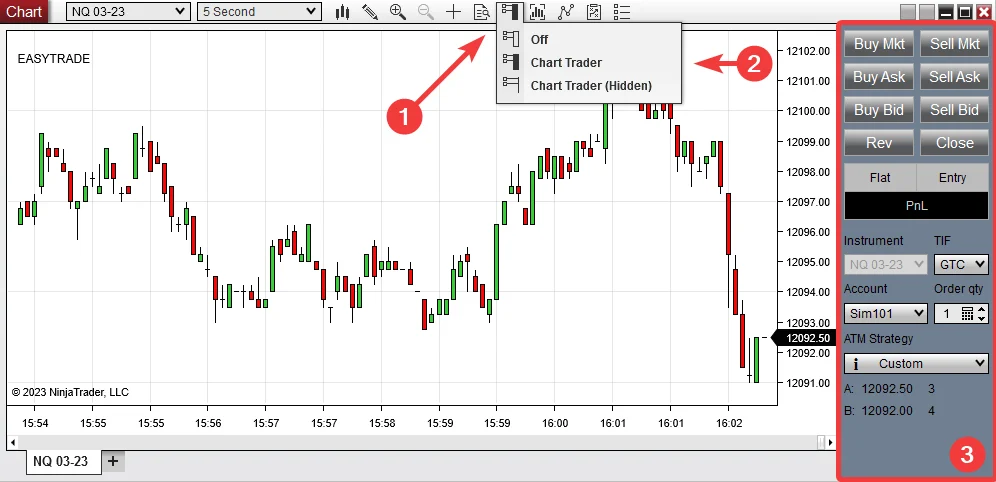
EasyTrade adds key + mouse order entry from the chart using the selected Chart Trader setup.
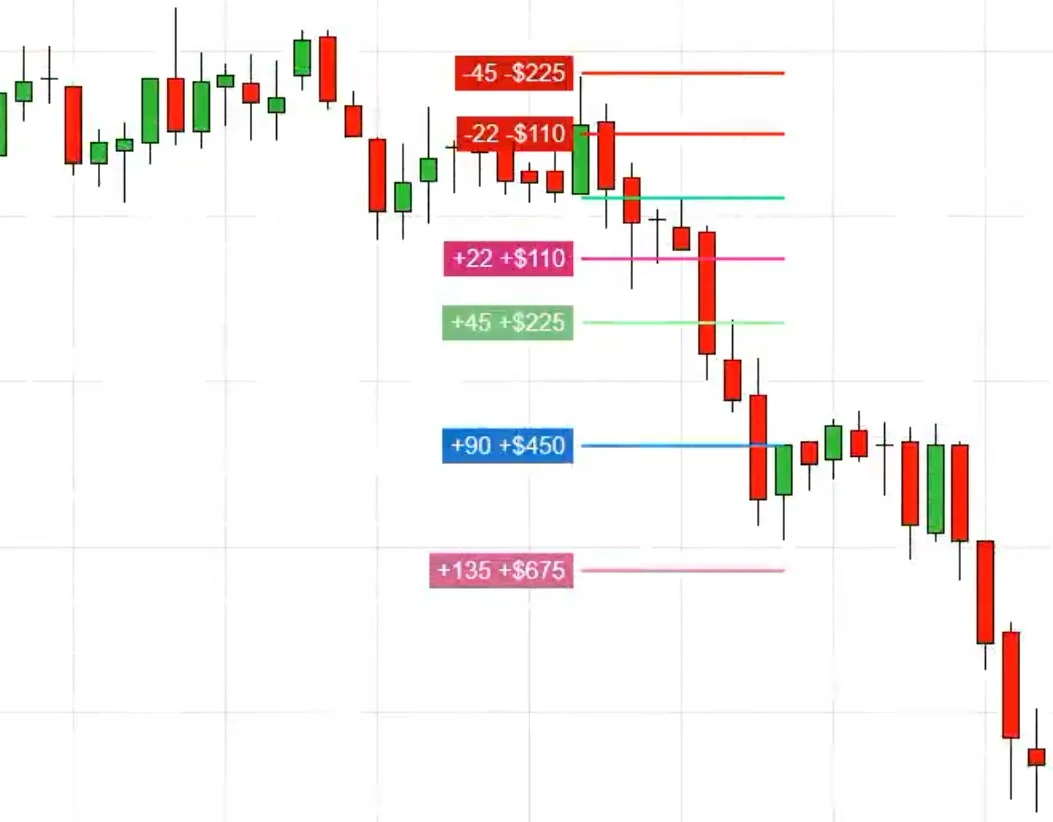
RiskRewardAdvanced draws entry, stop, and reward lines from one chart click.
MarketStatistic, TrendFilter, and SRDynamicLines help read candle size, trend, and chart levels.
TraderLimit, SymbolWmark, and BetterBarTimer keep limits, chart identity, and candle timing visible.
Get all eight indicators for NinjaTrader 8. A Machine ID may be used only to link the free license to the platform.
EasyTrade, RiskRewardAdvanced, MarketStatistic, TrendFilter, TraderLimit, SRDynamicLines, SymbolWmark, and BetterBarTimer.
No payment, no credit card, and no paid plan to select.
Finish the download process. The files are available right after.
The license is free and does not require a paid plan.
A quick map of what is inside. Pick the tool you care about and jump straight to it.
Use the execution tool when placing trades, the risk tool before entry, and the chart helpers when you need cleaner timing, limits, labels, or context.
Place long or short orders from the chart with a key and mouse click. It uses the account, quantity, and ATM you already selected.
Draw entry, stop, and target levels from one chart click. Useful before you take the setup.
Show candle size, market pressure, and moving-average context without opening another panel.
Color only the bars that match the filter. Normal bars stay untouched, so the chart stays readable.
Keep PnL and account limits visible on the chart. It can also flatten the current instrument when your rule is hit.
Show useful levels from several timeframes on the chart you are trading.
Add the active symbol, timeframe, or custom text as a chart watermark.
Show how much time is left before the current candle closes.
Fewer clicks between the setup and the order.
Hold the long or short key, click a price, and EasyTrade sends the order using the Chart Trader setup you already selected.
Click where you want the order instead of opening another ticket.
Works with the selected account, quantity, and ATM.
A flatten key can close the current instrument.
A quick map for checking risk before entry.
RiskRewardAdvanced draws the entry, stop, and target lines from one chart click. It keeps the plan visible before you commit.
See the trade idea without drawing every line by hand.
Choose which target lines you want to keep on the chart.
Large setups can stand out before you take them.
A compact readout for candle size and market context.
MarketStatistic keeps useful context on the chart: candle size, recent pressure, and where price sits against the average area.
Know when the current candle is too large for your normal risk.
See a quick read of recent buying and selling pressure.
Check whether price is near an average area without adding more clutter.
A lightweight bar-color filter for cleaner chart reading.
TrendFilter colors only the bars that match its trend rule. It does not add arrows, panels, or extra chart objects.
Normal bars stay normal, and only matching bars change color.
Use it when you want trend context without another indicator panel.
The marked bars are easier to spot during live chart work.
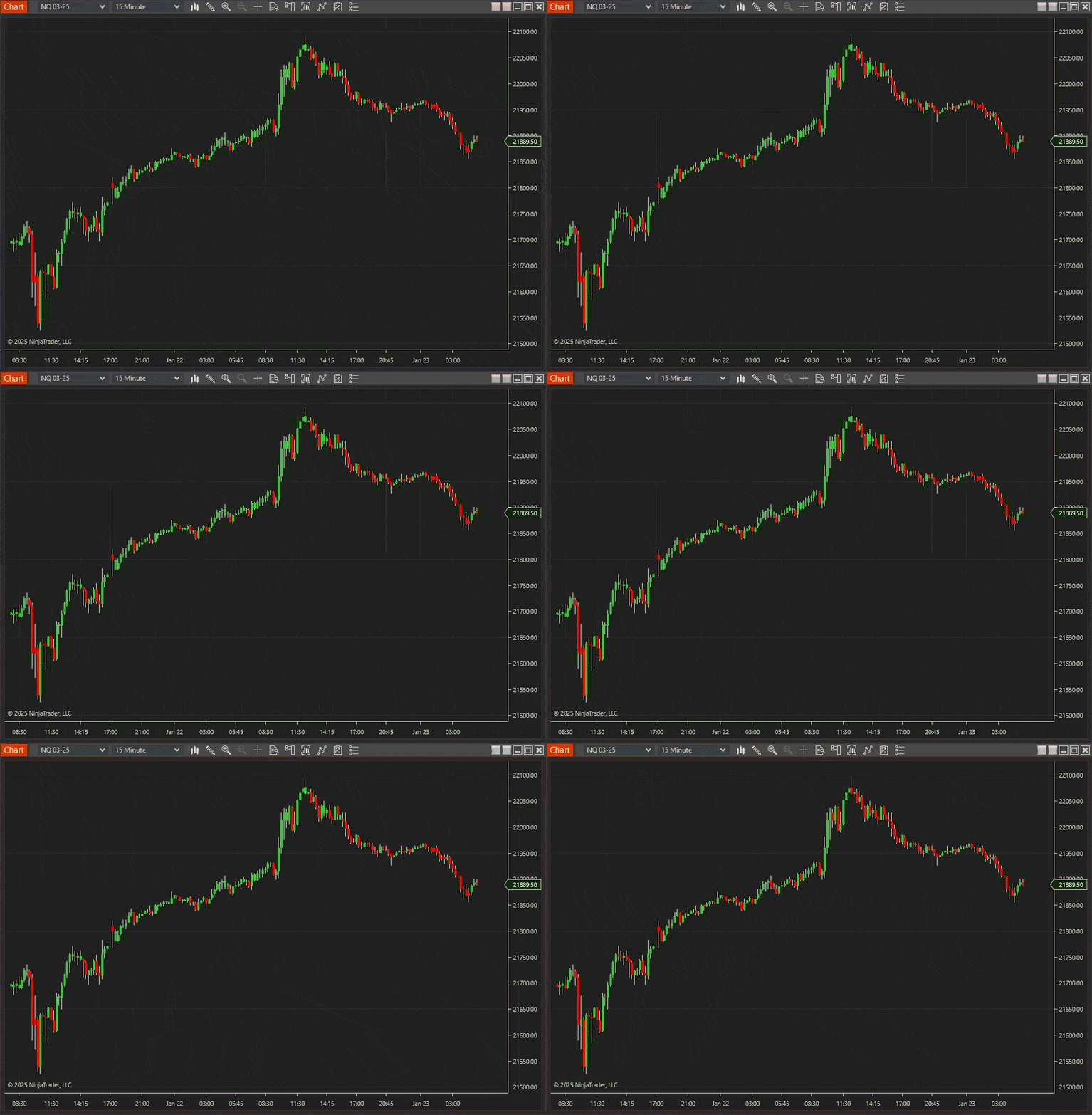
A chart-based account monitor for daily loss and profit limits.
TraderLimit keeps account value, daily PnL, and limit status visible on the chart. It can also flatten the current instrument when your rule is reached.
Set the daily loss and profit limits you want to watch.
Keep the important account numbers in front of you.
Let the indicator close the current chart instrument after a limit is reached.
Useful chart levels from higher timeframes, shown on one chart.
SRDynamicLines shows levels from several timeframes on your active chart, so you do not need to keep extra windows open.
See important levels from more than one timeframe.
Keep each plotted line easy to identify.
Useful for pullbacks, exits, and support/resistance planning without opening several charts.
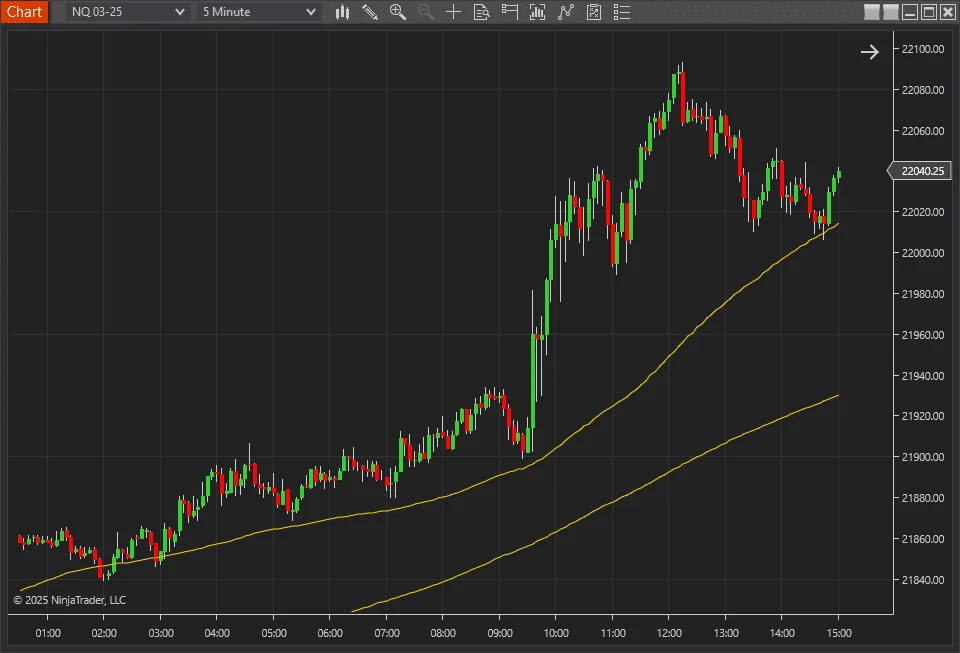
A chart watermark for the active symbol and timeframe.
SymbolWmark puts the active instrument directly on the chart. You can show the timeframe, add short custom text, and keep the label subtle.
Helps when several chart windows are open and the platform header is too easy to miss.
Useful when the symbol needs to be clear in a shared chart.
Keep the watermark readable without taking over the chart.
A readable countdown for time-based candles.
BetterBarTimer shows how much time is left before the current candle closes. It is simple, visible, and easy to place on the chart.
See the remaining candle time without checking the platform clock.
Put the timer where it is easiest to read.
Make the timer more visible near the candle close.
Use only the indicators that have a clear job in your workspace.
Finish the free download process. The files are available right after.
Use the free download form. No credit card or subscription is required.
Import the indicator files into NinjaTrader 8 using the standard Tools > Import > NinjaScript Add-On flow.
Load only the indicators you actually need on the chart.
Adjust keys, colors, limits, labels, and text size to match your setup.
Short answers before you download.
Yes. Price is $0. No card. No payment.
NinjaTrader 8.
Eight indicators: EasyTrade, RiskRewardAdvanced, MarketStatistic, TrendFilter, TraderLimit, SRDynamicLines, SymbolWmark, and BetterBarTimer.
No. Add only the tools that fit the chart you are trading.
No. It is a pack of chart helpers, not a buy/sell signal system.
Finish the download process. The files are available right after.
Use the free download form, install the tools in NinjaTrader 8, and keep only the helpers that fit your chart workflow.
Articles
Product feedback
Very very handy.
Good
Thx for free stuff guys!
Love it
Easy Trade + Timer = Perfect
laptop runs them fine .
free indicator bundles usually leave me with ten new menus and nothing I want on the chart. This one went differently. On an older trading laptop, I loaded the session marker first. It gave me two tools I now use daily, then I tried two other small utilities from the folder. The useful pieces are simple: they mark information I was already drawing or checking by hand. I did not need a video course and my older machine did not start stuttering. Not every indicator fits my trading. I disabled what did not fit and saved the rest in one template. For a no-cost download, getting even one daily tool would have been enough; I ended up keeping more than that.
The 7/8 tools are intentionally basic, which is fair for a free bundle. Easy Trade - OP!
Good good tools for zero cost.
realy decent free tools.
feels like good value, especially since it gives a few useful tools to test before buying other products from them, more advanced. Pretty solid for starting out.
I've used the free indicators for quite a while now and they are great. They work just as advertised and are a nice addition to my family of indicators that I use daily. I highly recommend them.
I especially love the "EasyTrade" add-0n. The simplicity and ease of use, combined with the configurability, make it an essential add-on.
Great job! thank you
Best developer ever
THank you!
Eight NinjaTrader 8 tools for chart entries, risk planning, market context and more.