

Martyn Taylor
Verified owner
45417
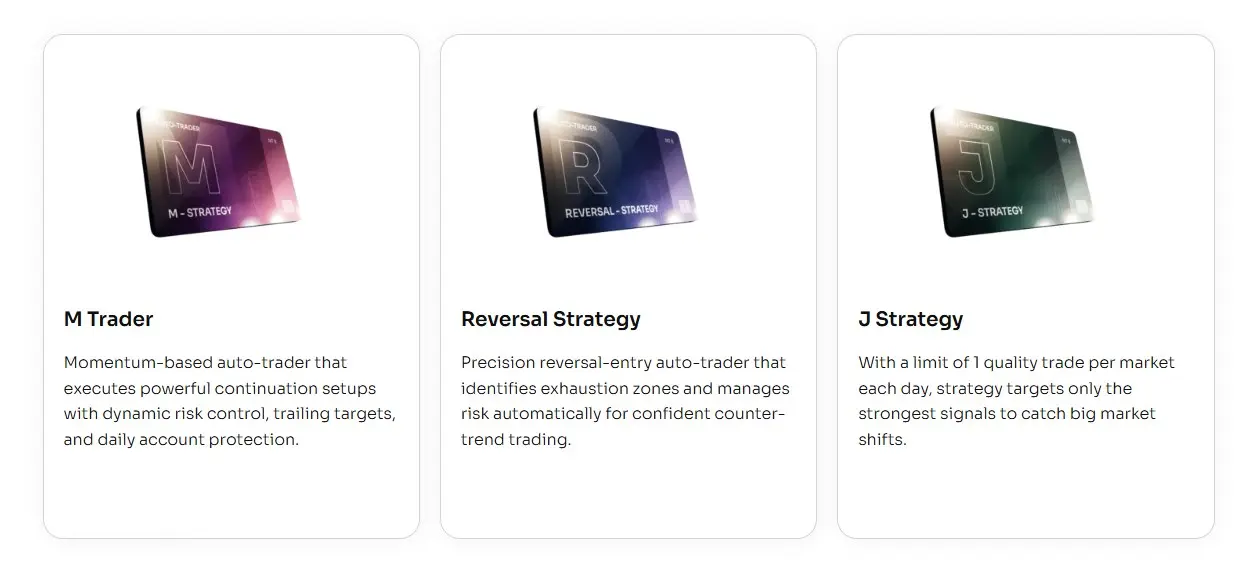
Reversal Auto-Trader trades confirmed reversal setups from MAS templates, with the stop, target and session rules already set.
NinjaTrader 8 · Pre-built templates · No trial
Prices in USD. No trial. Every plan includes the strategy, pre-made template sets. Just load the template and enable the strategy.
Entry, stop, target and session rules come pre-defined, so you are not building a strategy from scratch.
Choose the account the strategy should trade and enable it there.
Templates trade the confirmed reversal setups the indicator marks.
Every closed trade is written to a CSV log with net P/L.
Import it into NinjaTrader 8 and add it to the instrument you trade.
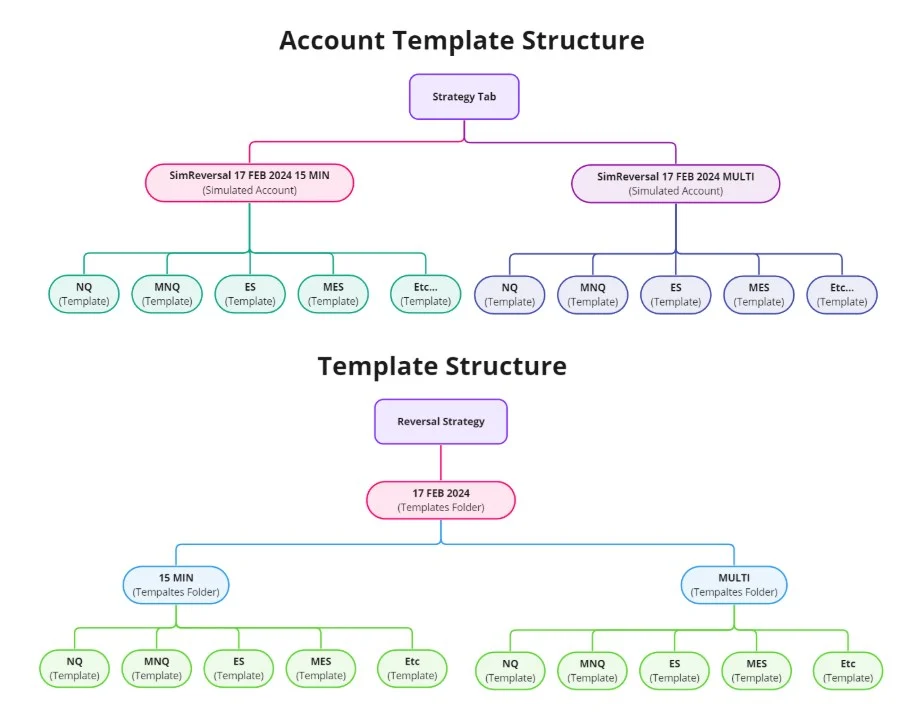
Pick the template for the instrument and session you want to trade.
Select the account the strategy is allowed to trade.
Turn it on and watch the first session before you scale up.
You load it, then adjust only what your instrument needs.
Template settings are shown in NinjaTrader when you load one.
Product feedback
Reversal Auto-Trader · customer reviews
45417
Thank you for a discount It's greatly appreciated.
god bless you
Impressive performance overall. While it meets expectations, there's room for minor improvements. Nonetheless, it's a valuable addition to any toolkit. 4/5 stars.
A mixed experience with the Reversal Strategy.
Learning curve may be a challenge, but for those willing to invest the effort, it adds an exciting layer to trading. A balanced two-star rating reflecting both the challenges and rewards.
Excitedly waiting for the addition of trailing stop and break-even options to the Reversal Strategy. These enhancements could elevate an already effective strategy, offering users more control and flexibility in their trading approach. A promising four-star strategy that has the potential to become even more powerful.
Tell us the instrument and session you trade. We will check the template with you.
Add the strategy, load a template, choose the account and enable it.
Pre-defined entry, stop, target and session settings for one way of trading.
NinjaTrader 8.
Yes. Load a template as the starting point, then adjust what you need.
Yes. Once enabled on an account, it sends the entries the template defines.
During the hours set in the template.
It does not supply a data feed, a broker account or a profit guarantee.
The CSV trade log records every closed trade with net P/L.
Yes. Cancel from My Account → Subscriptions. The plan stops renewing.
Yes. License transfers are included.