

Mr Robert Goodrum
Verified owner
Exceptional quality strategy with detailed online descriptions. Value for money. Regular updates keep it top-notch.
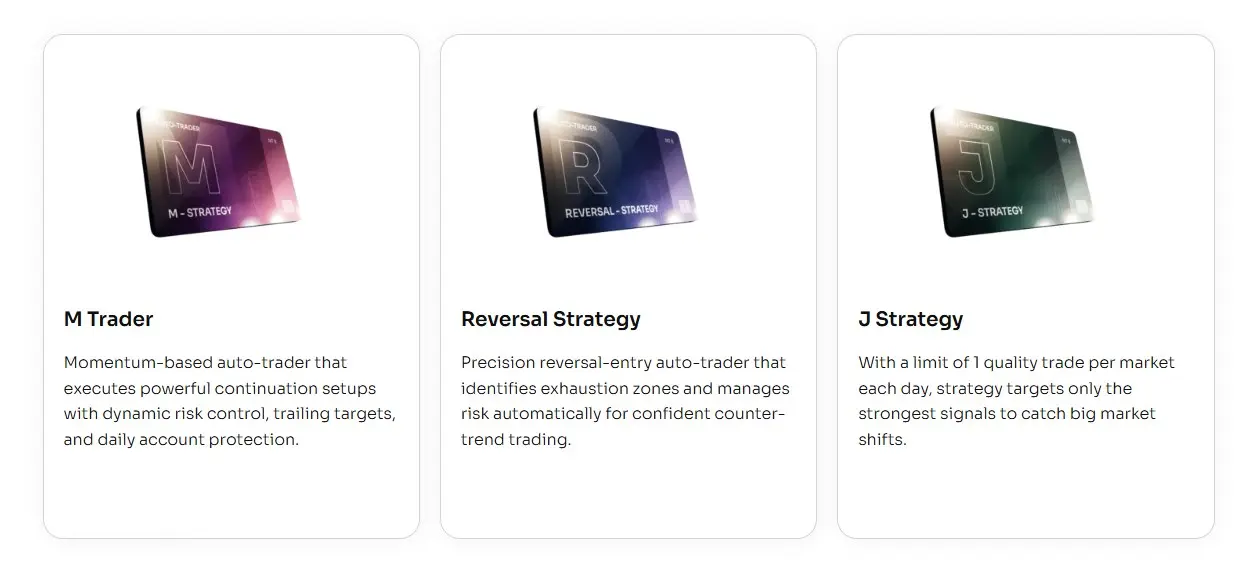
J Strategy is built for low-frequency trading: one trade per template per day, typically at the US session open, aligned with the direction set before the open.
NinjaTrader 8 · One trade per template per day · No trial
Prices in USD. No trial. Every plan includes the strategy, pre-made template sets. Just load the template and enable the strategy.
The set defines the opening window, entry, stop and target.
The set is designed around one trade per template per day.
A wider stop means fewer contracts.
The CSV log records each closed trade.
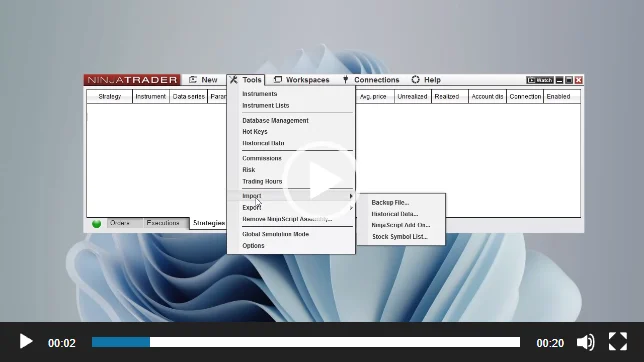
Import it into NinjaTrader 8 and add it to the instrument.
Pick the set for the session and instrument you trade.
Select the account it may trade.
Turn it on and watch the first session before scaling.
You load it, then adjust only what your instrument needs.
Sets are NinjaTrader chart templates. The strategy does not load them for you.
Product feedback
J Strategy Auto-Trader · customer reviews
Exceptional quality strategy with detailed online descriptions. Value for money. Regular updates keep it top-notch.
As someone who isn't particularly computer-savvy, I often find the process of setting up a strategy to be quite challenging.
However, with the help of the site's team via the AnyDesk program, I was able to successfully set up the strategy. After leaving it to run for a while, I am delighted to report that the results have been excellent. It's clear to me that the future lies in algorithms and automated trading
Great. Thank you.
Thank you for providing me with the one-month trial period. I wanted to thoroughly test the effectiveness of the strategy, and I must say, I am pleasantly surprised. This algorithm is the only one that has consistently yielded remarkably positive results, even after extensive testing of various strategies.
Hello. I am writing to seek assistance regarding my lifetime license, which has unfortunately ceased functioning as of today. Remarkably, it worked flawlessly for two months prior to this issue. Upon inspection, I received an alert stating that the license associated with my ID is currently inactive. This predicament emerged following a recent servicing of my computer.
I attempted to contact you via email at team@mascapital.com, but regrettably, it appears that this address is not in operation.
I would greatly appreciate your prompt attention and resolution to this matter. Thank you in advance for your assistance.
The strategy itself is undeniably intriguing, showcasing profitability without a doubt.
However, it comes with one crucial caveat: a constant need to closely monitor and adjust the templates being used. It's far from a 'set and forget' approach, demanding ongoing attention and adaptability
Tell us the instrument and session you trade. We will check the set with you.
NinjaTrader 8.
J Strategy is designed around one trade per template per day.
The template sets them. Load the set that fits your instrument.
From the stop distance. A wider stop means fewer contracts.
The template sets a pre-close halt; the default is 60 minutes.
No. It records realtime trades only.
It does not supply data, a broker account or a profit guarantee.
One account per running instance. Ask us about licence terms.
Yes. Cancel from My Account → Subscriptions. The plan stops renewing.
Yes. License transfers are included.