

Richard
Verified owner
One of my friends introduced me to this website since there is this 'Free Indicators'. Now trying the strategy.
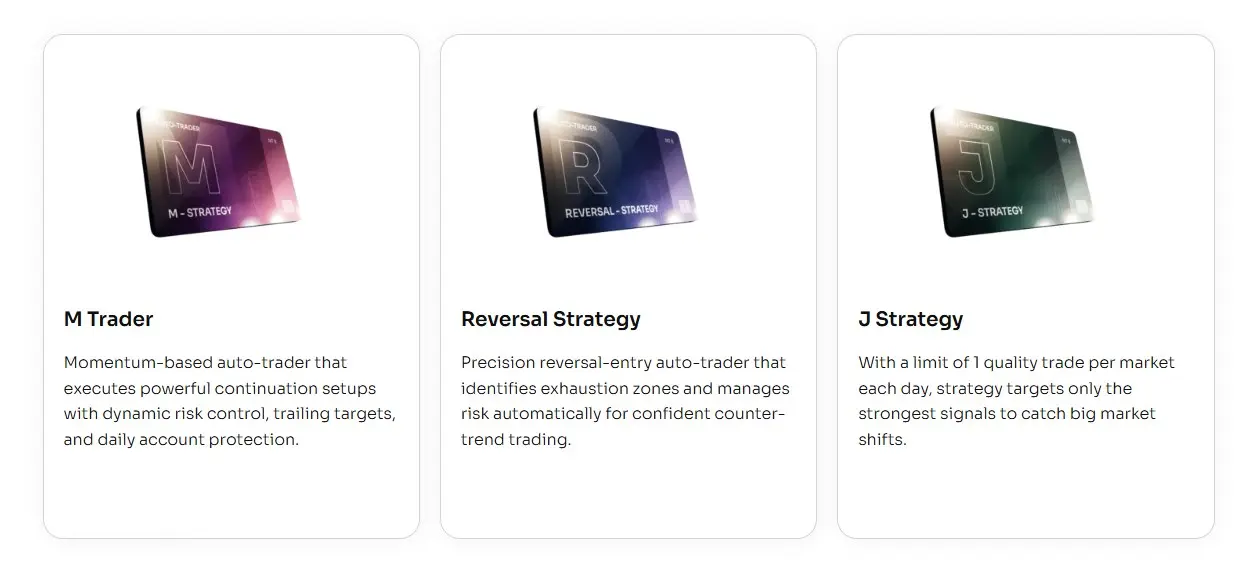
J Strategy is built for low-frequency trading: one trade per template per day, typically at the US session open, aligned with the direction set before the open.
NinjaTrader 8 · One trade per template per day · No trial
Prices in USD. No trial. Every plan includes the strategy, pre-made template sets. Just load the template and enable the strategy.
The set defines the opening window, entry, stop and target.
The set is designed around one trade per template per day.
A wider stop means fewer contracts.
The CSV log records each closed trade.
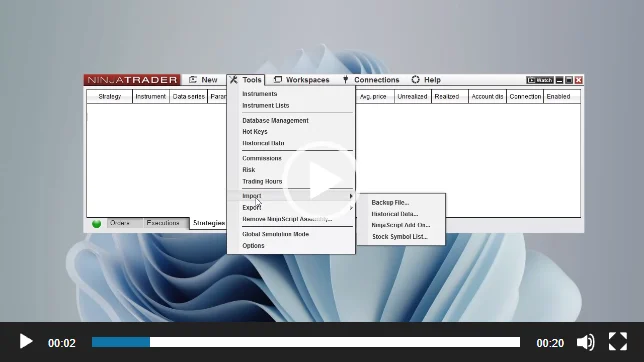
Import it into NinjaTrader 8 and add it to the instrument.
Pick the set for the session and instrument you trade.
Select the account it may trade.
Turn it on and watch the first session before scaling.
You load it, then adjust only what your instrument needs.
Sets are NinjaTrader chart templates. The strategy does not load them for you.
Product feedback
J Strategy Auto-Trader · customer reviews
One of my friends introduced me to this website since there is this 'Free Indicators'. Now trying the strategy.
Top support
Very nice interaction and understanding of the customers. Fast problem-solving and user-friendly process.
Pleasantly surprised of how fast the process went and the problem got solved!
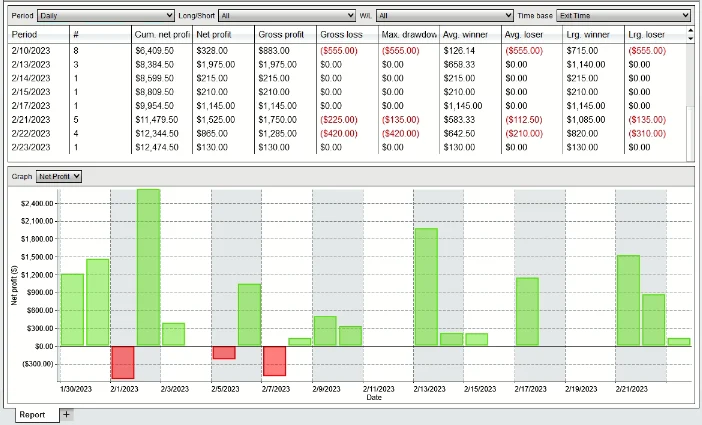
interesting strategy, as it uses multiple markets at the same time. In practice it really narrows down the profit curve and stabilizes the PnL.
need to take this approach to my own system. tY
Nice one. but you need more capital for this. I was able to make it work for my small account with micros. Thankfully it is universal
Excellent quality strtategy with full description on line. Good value.Kept fully up to date with updates.Thank you.
Tell us the instrument and session you trade. We will check the set with you.
NinjaTrader 8.
J Strategy is designed around one trade per template per day.
The template sets them. Load the set that fits your instrument.
From the stop distance. A wider stop means fewer contracts.
The template sets a pre-close halt; the default is 60 minutes.
No. It records realtime trades only.
It does not supply data, a broker account or a profit guarantee.
One account per running instance. Ask us about licence terms.
Yes. Cancel from My Account → Subscriptions. The plan stops renewing.
Yes. License transfers are included.