

Mr Atherton
Verified owner
My only issue is the occasional lag when executing trades during high volatility periods. Other than that - looks promising
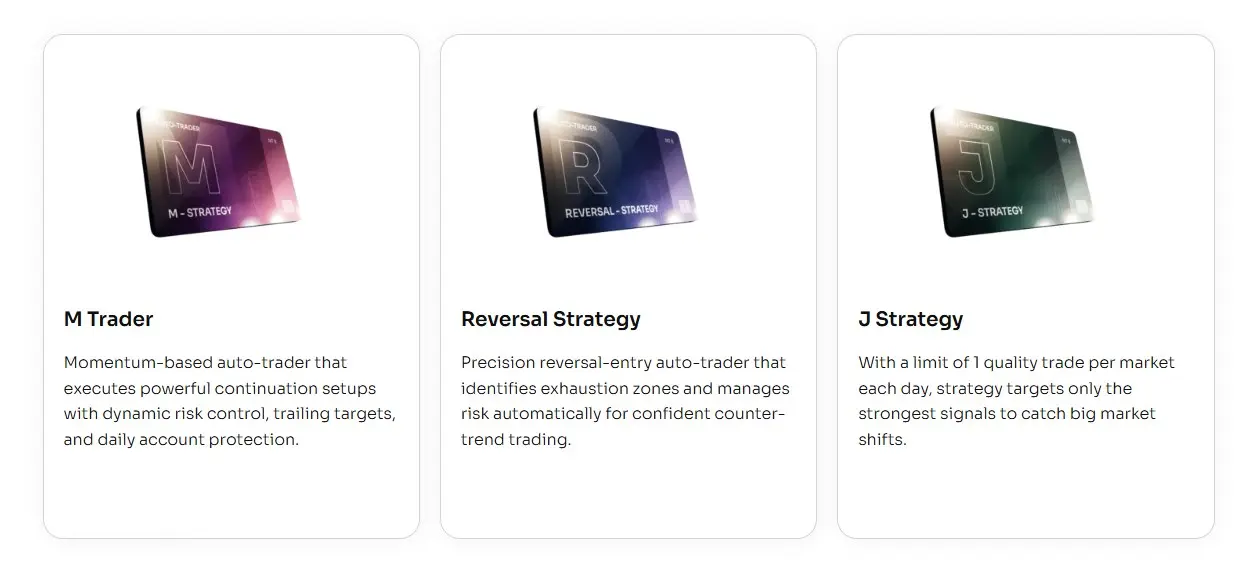
J Strategy is built for low-frequency trading: one trade per template per day, typically at the US session open, aligned with the direction set before the open.
NinjaTrader 8 · One trade per template per day · No trial
Prices in USD. No trial. Every plan includes the strategy, pre-made template sets. Just load the template and enable the strategy.
The set defines the opening window, entry, stop and target.
The set is designed around one trade per template per day.
A wider stop means fewer contracts.
The CSV log records each closed trade.
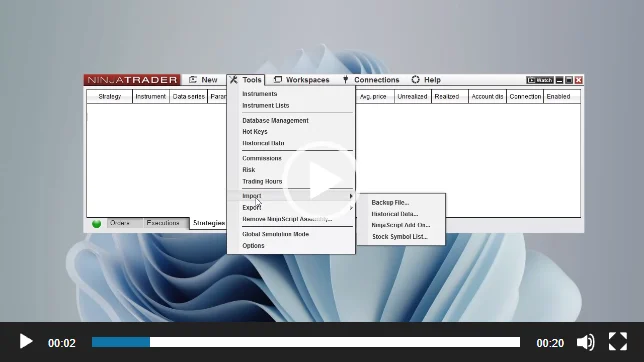
Import it into NinjaTrader 8 and add it to the instrument.
Pick the set for the session and instrument you trade.
Select the account it may trade.
Turn it on and watch the first session before scaling.
You load it, then adjust only what your instrument needs.
Sets are NinjaTrader chart templates. The strategy does not load them for you.
Product feedback
J Strategy Auto-Trader · customer reviews
My only issue is the occasional lag when executing trades during high volatility periods. Other than that - looks promising
Strategy is fast, efficient, and really simple to integrate into your existing NinjaTrader setup. The automation is great, but I’ve had a few trades where it didn’t quite execute as expected. It’s not perfect, but it’s still very useful for my day-to-day trading. I think it would work even better if there were more adjustable parameters
I thought the strategy would be a set-and-forget solution, but I found that you need to adjust the parameters from time to time to fit the market conditions
Good auto-trader. Have used it on larger account of bluenox. Worked like a charm//.
The only strategy that have performed better than me trading manually, which is quite surprising. Thank you for the trader and opportunity to test it before making a purchase.
J Strategy looked promising and straight-forward, but I encountered several challenges. The setup process was much more complicated than I anticipated, and I had to reach out to support multiple times just to get things running. In my first week using J Strategy after the "correct" setup, I earned six times what I invested-all without even fu**g touching my computer!
The strategy has been a total surpise. It’s highly profitable, and I’ve already added it to my main trading arsenal. IMPORTANT: Setup process is not the easiest!!!!
Tell us the instrument and session you trade. We will check the set with you.
NinjaTrader 8.
J Strategy is designed around one trade per template per day.
The template sets them. Load the set that fits your instrument.
From the stop distance. A wider stop means fewer contracts.
The template sets a pre-close halt; the default is 60 minutes.
No. It records realtime trades only.
It does not supply data, a broker account or a profit guarantee.
One account per running instance. Ask us about licence terms.
Yes. Cancel from My Account → Subscriptions. The plan stops renewing.
Yes. License transfers are included.